Perfect Your Aim with Precision
The ultimate sensitivity calculator engineered for competitive FPS players. Dial in your crosshair placement in under 30 seconds.
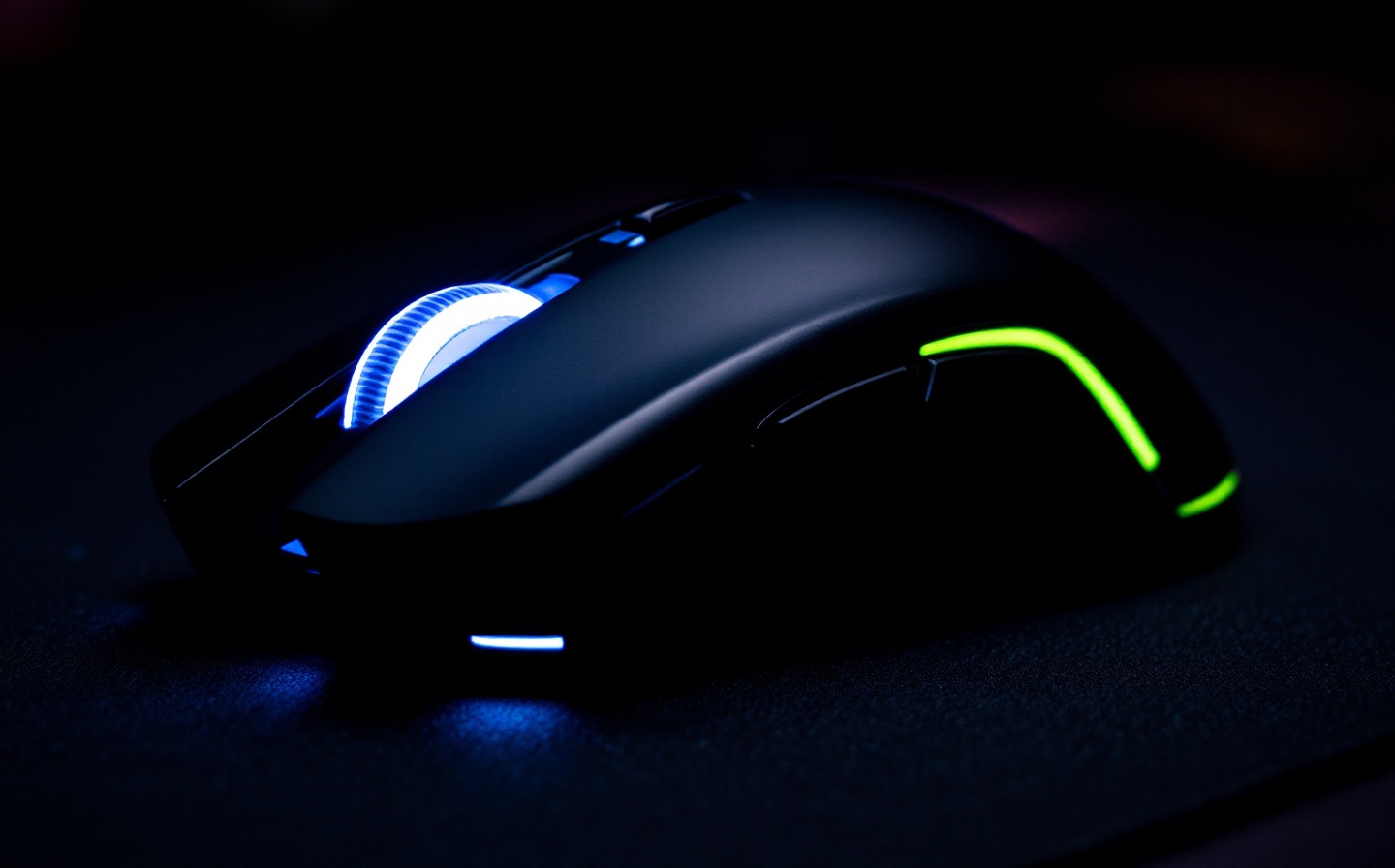
Instant Sensitivity Calibration
Stop guessing. Input your current DPI, select your game, and target your preferred tracking speed. AimForge applies industry-standard conversion matrices to deliver pixel-perfect settings instantly.
Quick Calculator
Current DPI: 800 | Game: Valorant | Target Sens: 0.45 | Mousepad: 45cm x 400mm
Result: 0.452 sensitivity | eDPI: 361.6 | 360° Turn: 18.2cm
Engineered for Competitive Play
Features Preview
Cross-Game Conversion
Seamlessly translate your sensitivity between Valorant, CS2, Overwatch 2, and Apex Legends using validated conversion factors from pro player telemetry.
Mousepad Boundary Mapping
Input your pad dimensions to visualize exactly how much desk space you need for 90°, 180°, and 360° flicks. Prevent wrist strain and optimize your setup.
DPI & Polling Rate Sync
Account for 1000Hz vs 4000Hz polling rates and raw input smoothing. Get settings that match your hardware's actual response curve.
Trusted by the Grind
Real data from real players. AimForge processes sensitivity configurations for competitive queues worldwide.
1,240,892
Sensitivity Calculations Generated
98.7%
User Reported Accuracy Rating
14,300+
Active Competitive Players
Pro Settings & Advanced Tuning
Unlock granular control over your aim mechanics. AimForge goes beyond basic DPI multiplication to model real-world tracking behavior.
Flick vs. Track Optimization
Toggle between high-precision flick settings for tactical shooters and fluid tracking curves for fast-paced battle royales. Adjust your sensitivity multiplier based on your primary playstyle.
Raw Input & Smoothing Override
Compensate for driver-level smoothing or Windows mouse acceleration. AimForge applies inverse correction matrices to ensure your crosshair moves exactly as your hand does.
Player Feedback
Testimonial
"I switched from a 400 DPI baseline to AimForge's optimized 800 DPI recommendation for CS2. My micro-adjustments are noticeably tighter, and my aim training scores jumped by 18% in two weeks. The mousepad boundary calculator alone saved me from buying a desk I didn't need."
— Elias 'Kestrel' Voss, Radiant Valorant & Global Elite CS2
Frequently Asked Questions
Does AimForge work with wireless mice?
Yes. Sensitivity calculations are independent of connection type. However, we recommend calibrating your polling rate to 1000Hz or higher for consistent input latency.
How do I convert from Valorant to Overwatch 2?
AimForge uses a 1:0.87 conversion ratio based on engine differences. Simply select both games in the calculator and toggle the cross-game sync feature for instant translation.
What if my mousepad is smaller than the recommended 360° space?
Our boundary mapper will highlight your available tracking zone. We suggest lowering your sensitivity by 10-15% or switching to arm-shoulder hybrid movement to maintain precision.
Lock In Your Settings Today
Stop wasting hours in aim trainers guessing your ideal sensitivity. Get pixel-perfect configurations in seconds and climb the ranks with confidence.